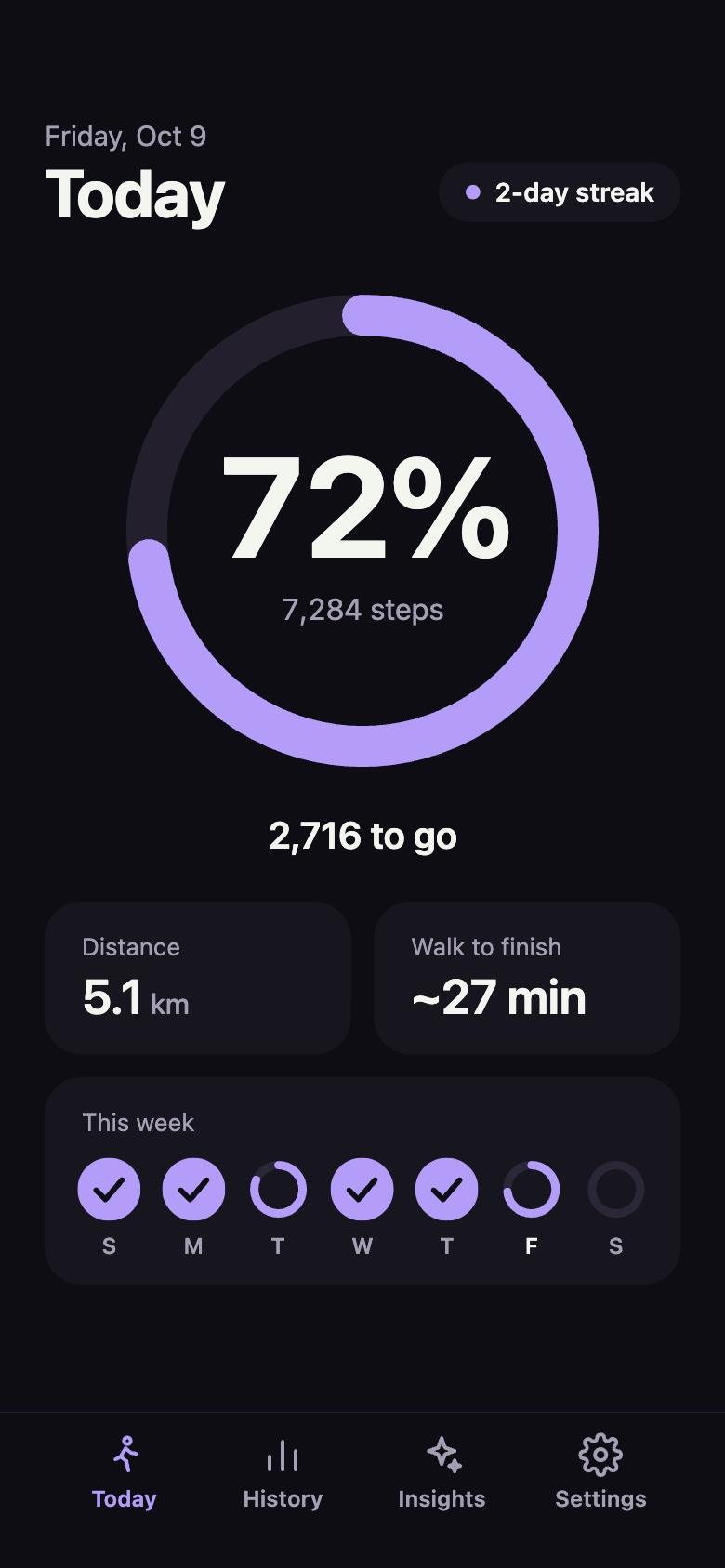
72%7,284 steps
A simple way to hit 10,000 steps a day.
Steps helps you track and hit 10,000 steps a day. It shows how far along you are as a percentage: on your iPhone, your Home Screen, your Lock Screen and your Apple Watch.
Coming soon to the App StoreTrack your 10,000, at a glance
Open the app, or just look at your Home Screen, Lock Screen or wrist. Your progress to 10,000 is always one glance away.

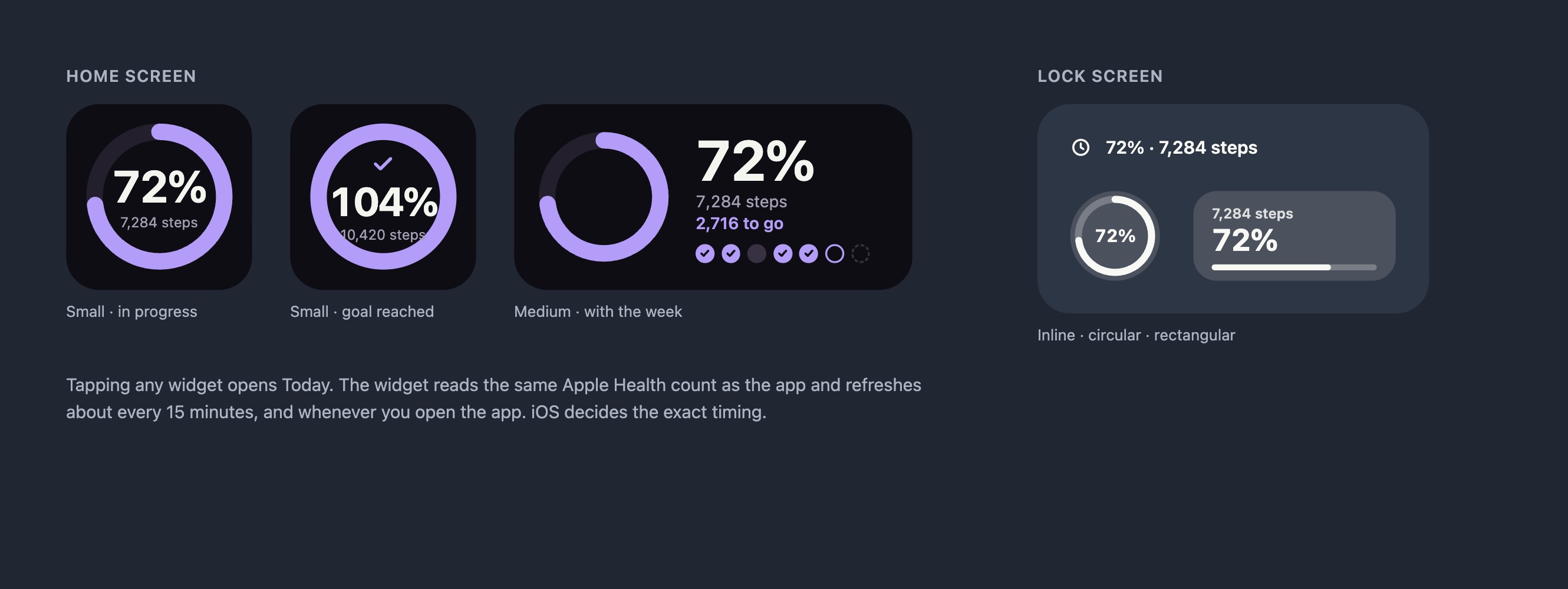
Widgets and Lock Screen
Small and medium Home Screen widgets, plus inline, circular and rectangular Lock Screen widgets.
On your Apple Watch
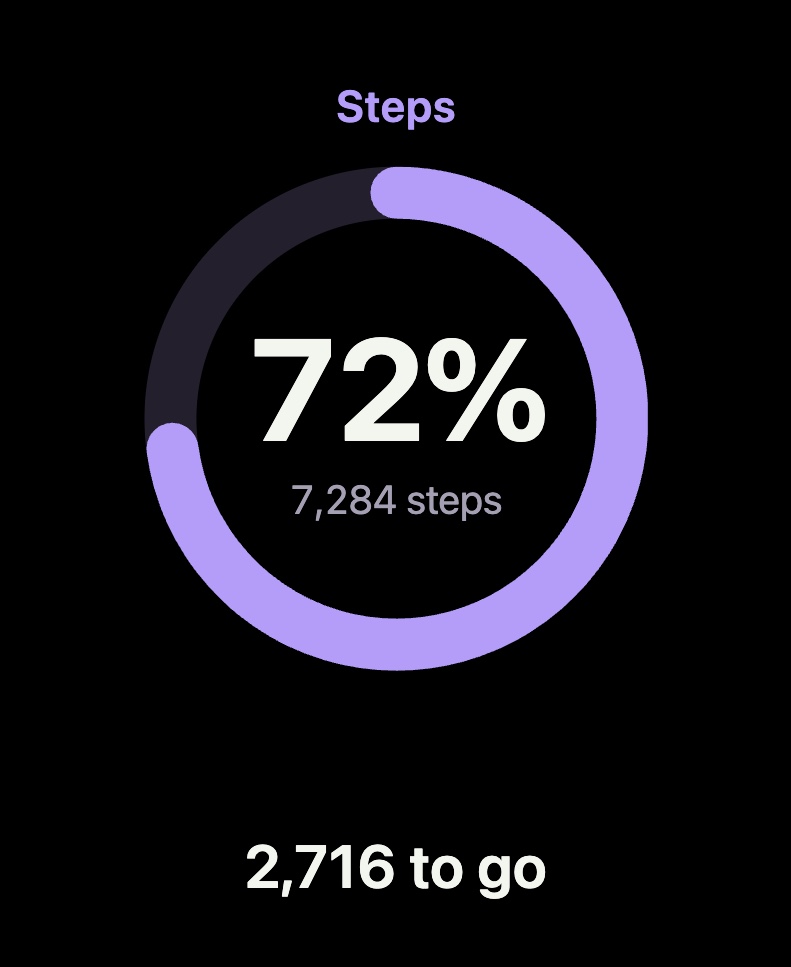
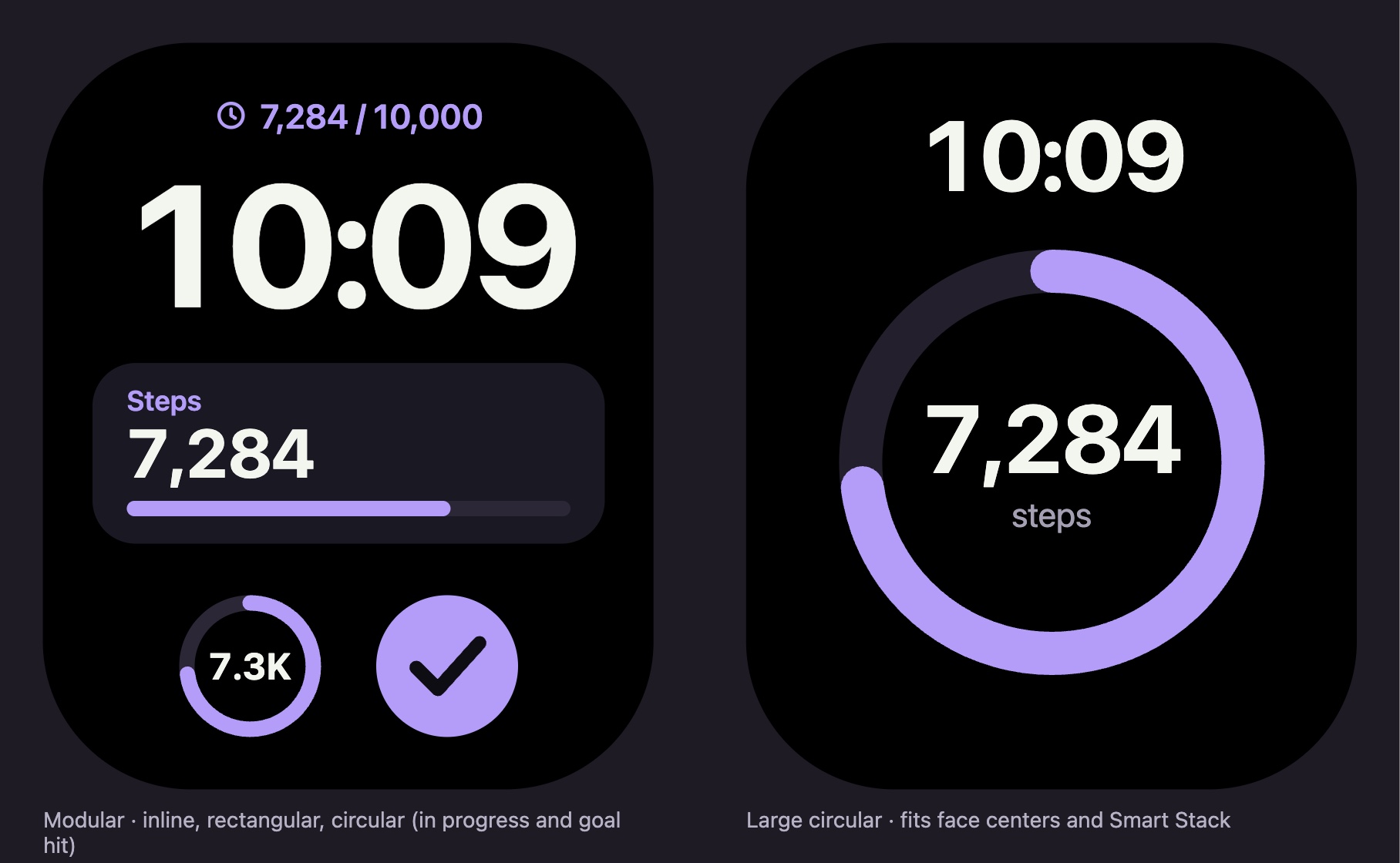
A standalone watch app that reads its own Health data, and complications for your watch face.
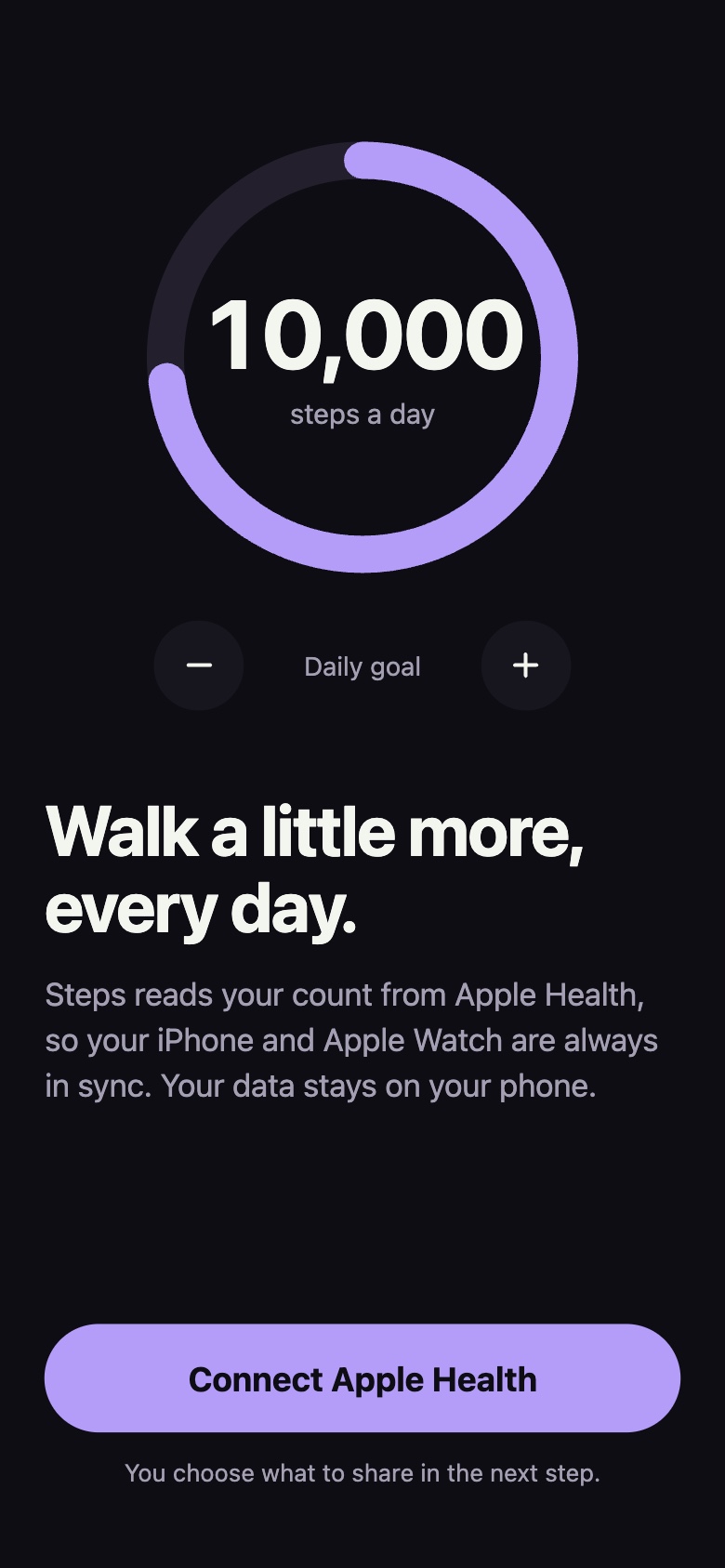
Reads from Apple Health
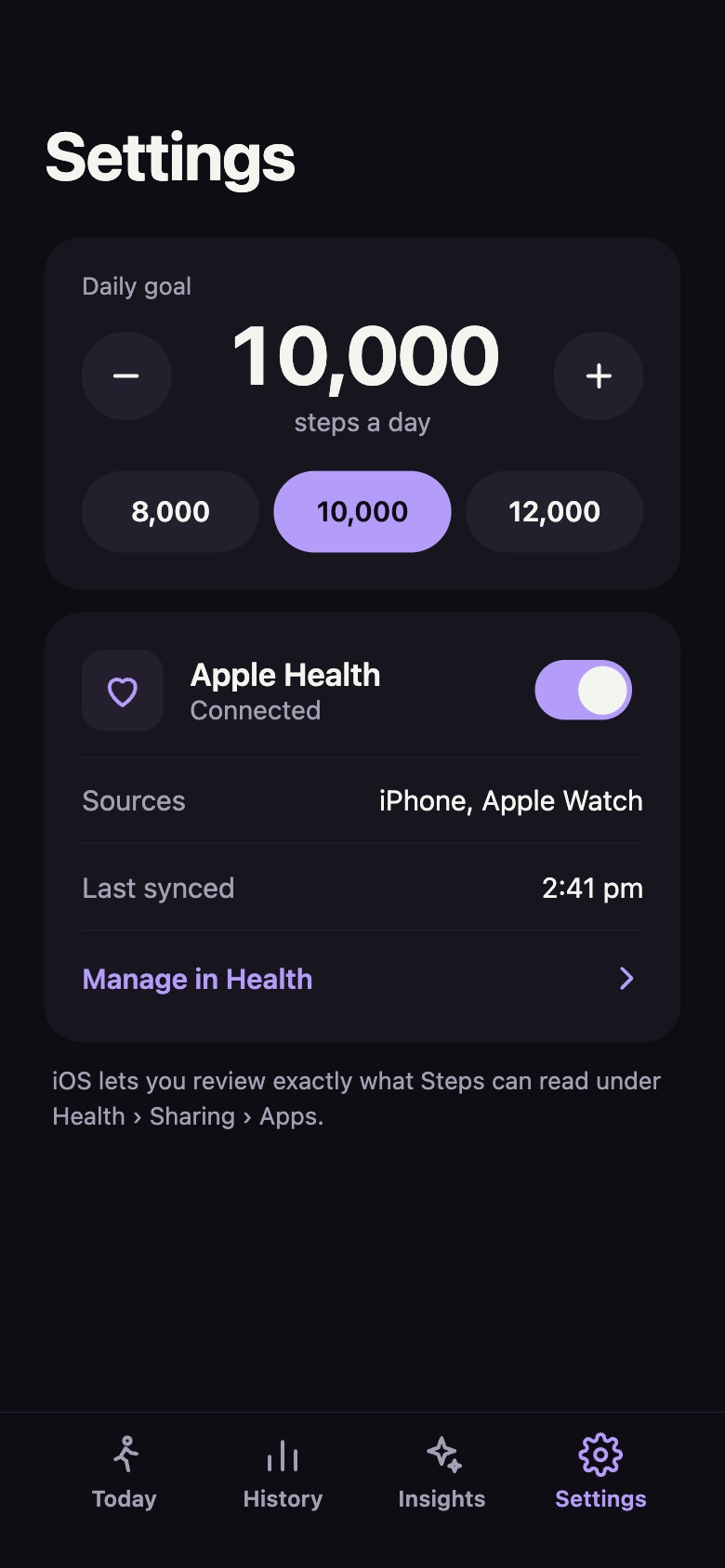
Your iPhone and Apple Watch steps, together. Nothing to log by hand.
Widgets and complications
Glance at your progress without opening the app.
Insights
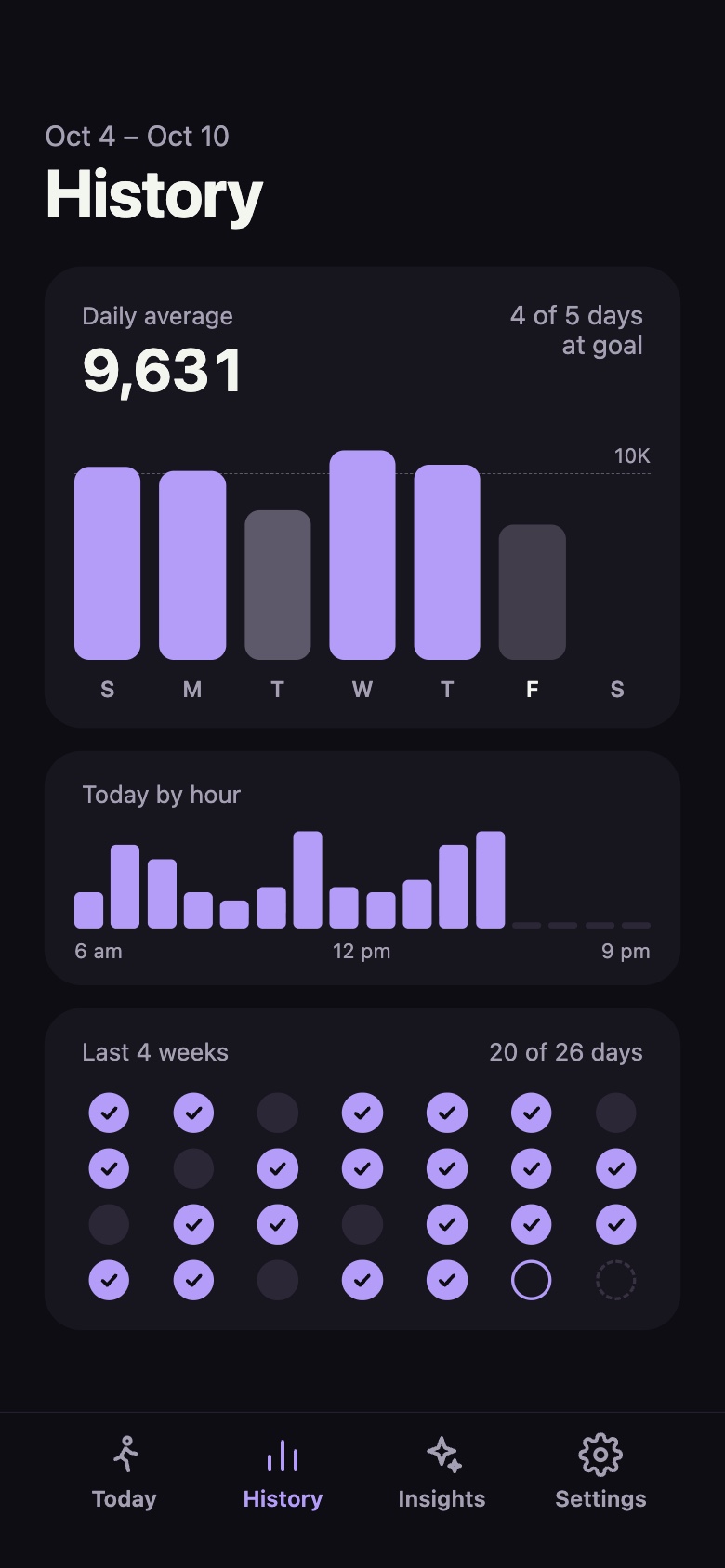
Your best days, when you walk, and how the year is going.
Private by design
No accounts, no ads, no tracking. Your steps stay on your devices.